This is a Sponsored post written by me on behalf of Fellowes. All opinions are 100% mine.
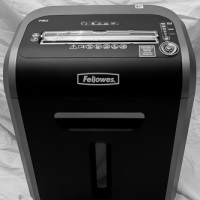
With the rise in identity theft in the past few years the Fellowes 79Ci shredder can help combat that problem. One of the most common reasons for identity theft is from people not shredding, or disposing, of paper or optical discs that contain personal data.
One practice that I have been concerned with doing is to shred all bills, bank/credit card statements, and any piece of paper that contains my personal information. This should be a practice for everyone to perform to help protect their identity. To help with disposing of such information properly, I always use a cross-cutting shredder, and I recently had the opportunity to try out the Fellowes 79Ci shredder.
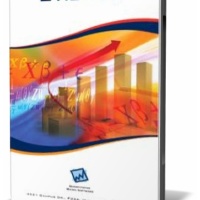
Econometric Views, or as it is more commonly known as, EViews, is a statistical analysis software package for Windows systems. Having gained a presence in economics class rooms around the world, its primary use as been for econometric analysis for time series, forecasting for models, and testing for correlation between variables.
Eviews was originally developed by Quantitative Micro Software or QMS in 1994, but has been updated over its run with Eviews 7.2 being released in November of last year.
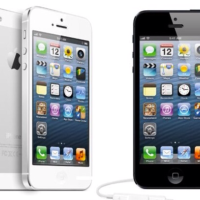
Like Judgement Day, the apocalypse and every other world-ending ‘oh my god, this is a life changing moment’ we seem to have every other year, the introduction of a new iPhone seemingly takes over people’s lives. Apple drops a new iPhone once a year and, in 2012, it was the turn of the iPhone 5, but what’s new; what have they failed at and just how popular has it become?
Well, it’s fair to say there was a hell of a lot of people disappointed with the initial launch of the iPhone 5. Sure, Apple fan-boys are always going to back the company up no matter what but, the fact of the matter is, the 5 is not the massive overhaul of the 4S we were all expecting. There are plenty of new features, improvements on design and performance, but the fact it remained basically the same as the 4S left many Android-loving, anti-Apple supporters the chance to seriously go in hard on the internet.
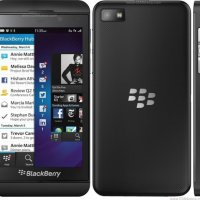
Blackberry is unremittingly mounting with its fine class of Smartphone and never stopping and breaking the sweat. As BB’s new flagship Smartphone, the Blackberry Z10 is packed to shore up with top-notch components and technologies including some of the latest processing gears and hardware.
Amorously crafted Smartphone has everything to quench savvy needs of all the technology buffs out there. Featuring attractive and substantial design, the new and humble member of BB family has driven the mobile phone indulgence to a new front.
I remember way back in the 1990s when MP3 files first started to become popular. Computers back then didn’t have large hard drives, and external drives weren’t as readily available as they are today. Playing music on compact discs was the best way to listen to music. When the MP3 file started to become popular people gravitated to that format because you can easily have good quality music using a fraction of the storage space of a CD.
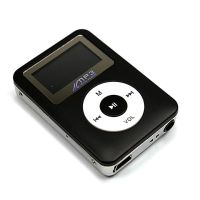
When Apple released their iPod music player and iTunes, MP3 files really took off, and soon portable music was easier than ever to enjoy. While the iPods are still popular today, some may not want to spend so much for a music player, and may be looking for a much more affordable option. This is where something like the 8GB Black Simple Fashionable Exterior Plump MP3 Player could fill the needs of some.
If you are like me and have weak spots in your wireless network coverage, there are a few options that you can try to increase your network coverage. The first is to add repeaters or signal boosters in various locations in your home to increase your wireless coverage. Second, you can run Ethernet cables throughout your house. The third is to use powerline adapters to send network data through your house over your home’s electrical wires.
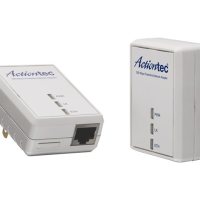
For me, I chose the third option. To carry out the task I bought a Actiontec Powerline Network Adapter kit that would give network connection to an area of my home that had a weak wireless signal. I have used the powerline adapter kit for the past several months and have tested out the device mostly with streaming content from the Internet.
This is a sponsored post written by me on behalf of 3M for IZEA. All opinions are 100% mine.
We live in a world where it seems we can be seen anywhere at anytime. We also live in a world where bigger is better, especially when it comes to computer monitors. I personally have a 24-inch computer monitor, and at times have difficulty adjusting to a smaller screen.
One of the issues with using such a large monitor is that there is no longer any privacy. Everyone behind you can easily see what you are working on, even though it may be personal. 3M has come up with an innovative piece of software that can help solve the issue of anyone that stands behind you from reading your screen.
Do you own an iPhone but struggle with managing its data? Especially backing it up? Are you planning to shift from an Android to an iPhone but are worried about iPhone storage?
Do you wonder how to improve your iPhone which has all your photos, videos and information?
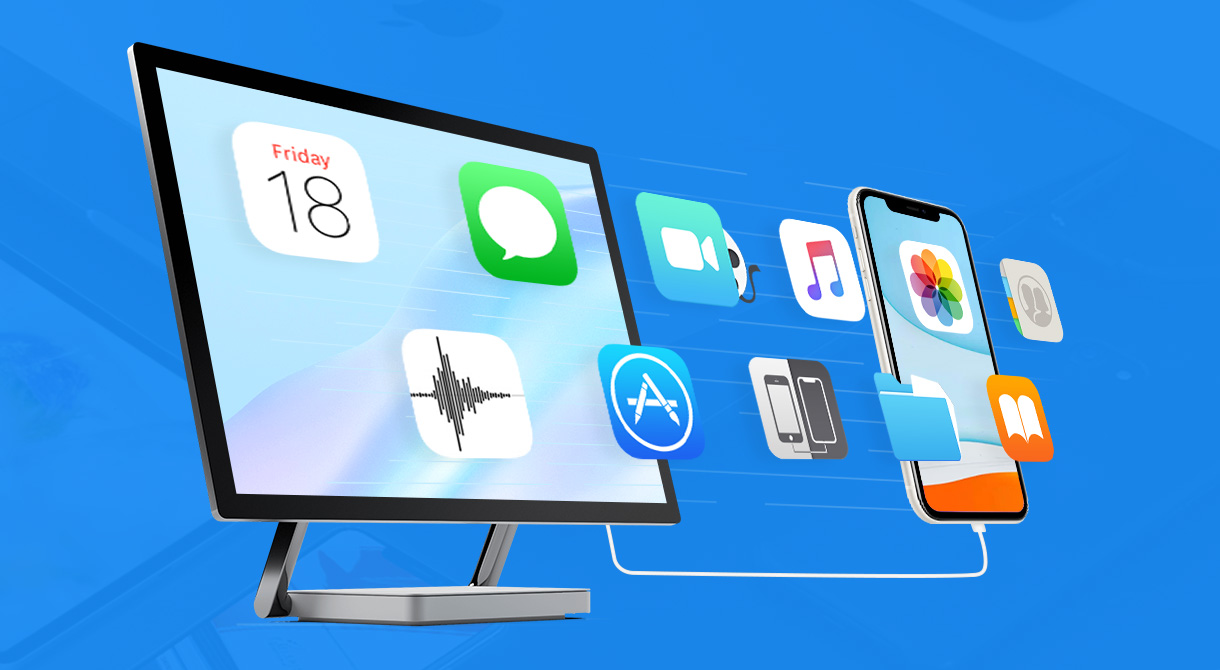
Well, you don’t have to worry anymore. DearMob iPhone Manager is here to solve our problems with its efficient and effective features. As an iPhone owner, there is always something to worry about, especially when a smartphone is almost everything to the owner.
Not only do you need to have a clear storage, there has to be back-up for safety. Moreover, having back-up and clearing out photos cleans and revives a phone also. To top it all off, you need a stable iPhone management software, especially if you are looking for an alternative to widespread iTunes errors.
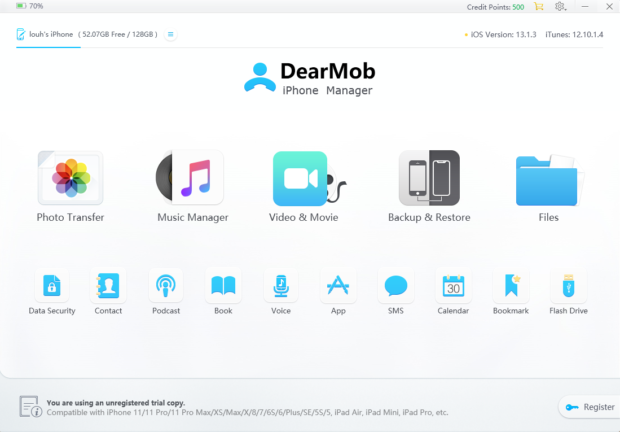
Hence, to save the day as per our reviews, we have DearMob iPhone Manager. It has the following amazing features to ensure that all your troubles vanish into thin air:
1. Safety always comes first
The app understands and puts your safety first, ensuring no shared information gets leader or his/her used the photo in an unbiased environment. It does have a military level end to end encryption after all, making it safe for use. It provides a guarantee of no data getting deleted or lost as well once you transfer iPhone data.
2. Simplicity at its best
The app is pretty easy to install and use. You can learn it for Mac and Windows making it obviously a good option since it is diverse and highly compatible. It has a very well designed and clear interface, making it easy to use on the go as well.
3. Fast work wins
The app is said to transfer iPhone database of 100 4K photos within a matter of just 8 seconds. Since as an iPhone user, won’t you question the speed of any app on your phone. Moreover, it is highly stable especially without any Wi-Fi.
4. As you like it
DearMob iPhone Manager is extremely flexible and works as per your convenience. You can use encryption for exports, manage files, use conversion on files for transfer or be selective while you migrate iPhone data to a new device. You can convert any audio, video or even e-books to be compatible with your iDevice.
DearMob iPhone Manager has a hub of advantages to be useful when need arises to backup iPhone, iPad or any other iDevices, especially in today’s world where everything is data driven and a part of the digital age. Take a look at this official video tutorial of DearMobiphone manager for a clear view:
How does DearMob iPhone Manager function and help a user out?
It clearly helps in transferring iPhone data between the device and the computer, which can also be a selective transfer.
Restore all this backed up data on your computer on any other new iDevice as well.
Easy Management of music/playlist, photo/albums and phone contacts.
If needed, you can bulk export files by your selection, in terms of, by day, week, month, year, by artist, album, music list, search, by folder.
During back-up or restoration, import & auto-conversion video, music, e-books to be compatible with iDevice is done and at the same time, you can auto-rotate your video now to fit iOS full screen.
It provides with an option to convert HEIC to JPG, Live photo to a video & still image while Exporting contacts as VCF/PDF/TXT/HTML.
The app helps to remove DRM-laden music, movies, books; and makes your iTunes purchases playable on non-Apple devices.
It allows one to password encrypt photos, videos, contacts, and also the entire iOS backup.
Via this app, you can also use iPhone as USB Flash Drive and create ringtones.
The app comes with everything you need, its extensive, safe and easy. You could compress large videos by 50%, has no back-up limits and safeguards one against errors in iTunes.
At the end of the day, we all want to preserve our memories forever, keep those cool birthday party photos tucked away and never miss out on those daily fun videos you get on social media. DearMob iPhone Manager allows you to be in this zone, backing up your data, easily restoring it and not missing out on anything at all.
In fact, one never knows when their phone will crash or what will happen in the future, so it is always important to come prepared. Transfer iPhone data right with this iPhone file manager.
You can download the app via their website, the free trial is available for both windows and Mac. But trust me, making a payment is worth it, especially when you know your phone and its content is your entire life in one place.