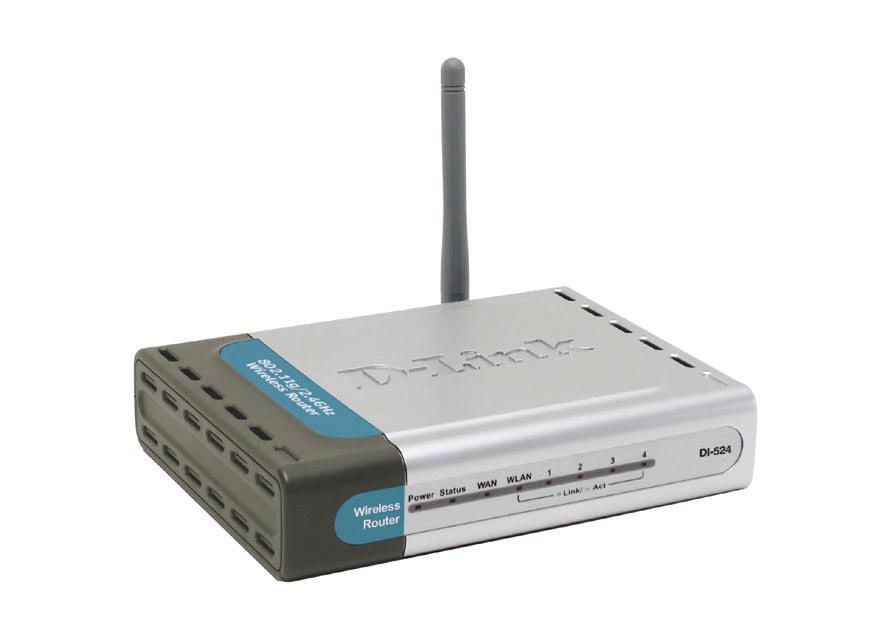
Some time ago I wrote a post titled Securing D-Link DI-524 Wireless Router. In that post I outlined the steps needed to secure that particular wireless router.
More recently I wrote another post title How to Reset the Linksys WRT54G Wireless-G Router and decided to write a similar post on reseting the DI-524 router.
Reset Button
Note:
Reseting the router to the factory defaults will delete any changes you have made to the router, including any security settings. This should be used as a last resort.
The steps involved in reseting the router is simply pressing a button located on the router. The image below (courtesy of D-Link) shows where the button is located.

To reset your router, use the following steps:
- Press the reset button for 10 seconds. You can use a small object, such as a paper clip to hold down the button.
- Open up your Web browser and enter 192.168.0.1 in the address bar.
- For the login, enter admin as the ID and leave the password blank.
Do not power off the unit while the router is being reset.
The unit should now reboot, and once the WLAN light stops blinking the router should be reset.
The router has now been reset. Follow the steps in Securing D-Link DI-524 Wireless Router to secure your router.
Summary
This post has provided the instructions you can use to reset your D-Link DI-524 wireless router. If you are having problems with your router, try reseting the router to the factory defaults, and then make the changes again and see if the router starts working.