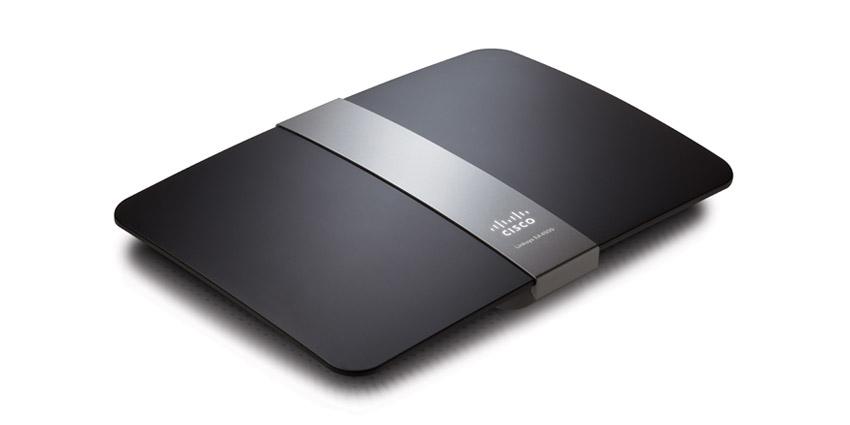
How to Reset the Linksys E4200 Wireless Router

  • Buffer
  • Pin It
  • Sharebar
  • Buffer
  • Pin It

There may be times when you may need to reset the Linksys E4200 wireless router back to factory defaults. You may need to do this if there is a problem with the router, or you forget the administrative password needed to access the router’s setup pages.

Once you have reset the Linksys E4200 wireless router, it is important that you take the time to secure the Linksys E4200 wireless router. The reason for this is because once the router is reset, it is no longer secured. There are two methods to reset the router, and both are explained below.


linksys e4200 256x256 How to Reset the Linksys E4200 Wireless Router

The Two Methods to Reset the Linksys E4200 Wireless Router

There are two methods that you can use to reset your wireless router. The first method requires physical access to the router to press the reset button. The second method requires you to login to the router’s administrative web pages.

The steps to use both methods are as follows:

Reset the Wireless Router Using the Reset Button

  1. Turn the router upside down.
  2. On the bottom, press and hold the reset button for 5-10 seconds.

Reset the Linksys E4200 Wireless Router Using the Browser-Based Utility

The second method involes actually logging into the router’s administrative pages. Obviously, if you forgot the router’s password, you will need to use the first method to reset the router.

  1. Open a web browser and navigate to http://192.168.1.1, or whatever the IP address of your router.
  2. Enter the user name and password for the router.
  3. Select “Administration” from the top menu, and then select “Factory Defaults” from the submenu.
  4. Click the “Restore Factory Defaults” button.
  5. In the popup message window, click the “OK” button.

The post explained two methods that you can use to reset your wireless router. Once the router has been reset, it is important to ensure you take the necessary steps to secure the router once you reset the Linksys E4200 wireless router.


List Price:Price Not Listed
New From:Check Amazon For Pricing In Stock

buyamzon button How to Reset the Linksys E4200 Wireless Router

Tags: ,

You may also like:

Linksys WRT54GL Wireless-G Router

How to Reset the Linksys WRT54GL Wireless-G Router

Linksys WRT160N Wireless-N Router

How to Reset the Linksys WRT160N Wireless-N Router

Linksys WRT54G Wireless-G Router

How to Reset the Linksys WRT54G Wireless-G Router

How to Secure the Linksys E4200 Wireless Router

How to Secure the Linksys E4200 Wireless Router

9 people had something to say about “How to Reset the Linksys E4200 Wireless Router”:

Comments


  1. Most routers have a button on the bottom of them that allows you to reset them with easy.

    “Black Seo Guy “Signing Off”
    TrafficColeman recently posted…Selling Ad Space Is Another Great Way To Make Money OnlineMy Profile


    • Most routers do have a physical reset button to help reset the router to solve issues. If the button isn’t located on the bottom, it is on the back near the network ports.


  2. This is what I really need…I am glad you shared it…Thanks!!
    Clark Minn recently posted…Healthy & Practical Meal Plans for Weight LossMy Profile


  3. Hi there. Thanks for sharing this. Actually, i usually reset my router by unplug the power cable then plug it again. LOL
    Andrew Walker recently posted…My Wedding Favors Coupon CodeMy Profile


    • Unplugging the router will reset it, but it won’t change the router’s settings back to the factory defaults, which is what the reset button will do.


  4. I think that these methods are really great help. I really need to restart my router and I’m afraid to do the restarting. I’m afraid that I might damage the router if I don’t do it correctly. Thanks for your post.
    Ron recently posted…Gynecomastia SymptomsMy Profile


  5. Hi there, my e4200 is fast blinking (so it is in some kind of error status) and none of the above can reset it. It looks like it doesn’t even emit any wifi signal. Can anybody help please?
    Robbi


  6. This is exactly what I need because I honestly don’t know how to reset the linksys e4200 wireless router, It is very difficult to me. This is very helpful and useful as well. Thanks!
    Shaun Hibbert recently posted…Buy Tires OnlineMy Profile


    • You’re welcome. I’m glad you found this post helpful to you.

Do you have something to say? Let everyone know!

Commenting policy: All comments are moderated for spam. You must use your real name and not your website name or keywords. If a comment is deemed to be spam, then it will be deleted or edited. Links to your website within the comment body is not permitted, but you are free to use CommentLuv to add a link to your latest post. If you wish to add a link to your website, you can always contact me about submitting a guest post.


CommentLuv badge
This blog uses premium CommentLuv which allows you to put your keywords with your name if you have had 5 approved comments. Use your real name and then @ your keywords (maximum of 3)

Previous Post:

Next Post: