Search results for: “label/Scanning”

  • Automating Computer Maintenance

    I have written several posts in the past regarding regular computer maintenance. Keeping a regular maintenance schedule is important if you would like to protect yourself against viruses and spyware, as well as maintaining the computer performance. My latest post title Regular Computer Maintenance provided a tutorial on performing some standard maintenance on your computer.

    In addition to the information provided in that post, there is an automated way of virus and spyware scanning as well as defragging your hard drive, all without you having to worry about it in the future. This post explains how to accomplish this.

    (more…)

  • What exactly is Nanographic Printing?

    What exactly is Nanographic Printing?

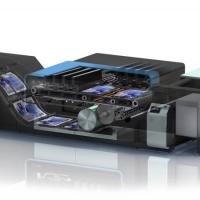
    Printing has come a long way in a short space of time. Years ago, black and white documents were the only available option. Although colour printing existed, this was expensive and a very large printer was required. Nanotechnology has changed the world in many ways, such as printing. There are many printing processes, which are inspired by nanotechnology, such as nanographic printing. So, what is it?

    (more…)

  • How RFID Became Good for Business

    How RFID Became Good for Business

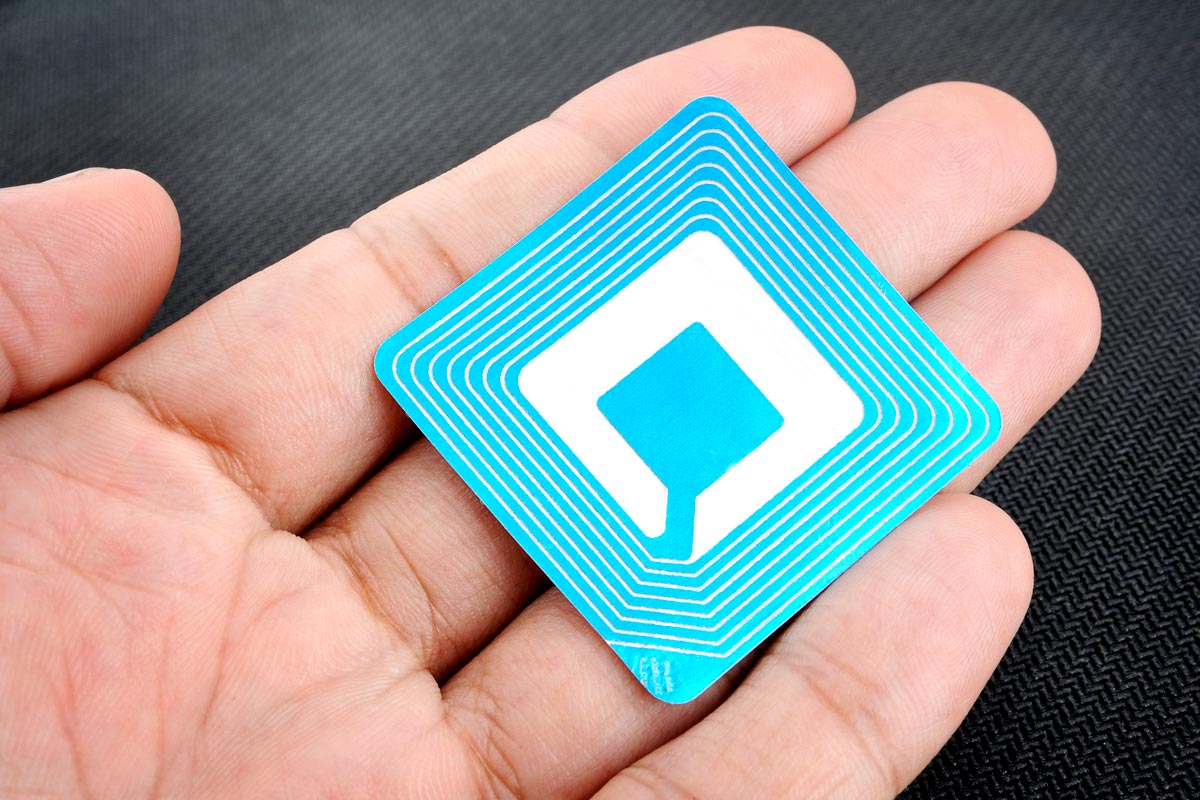
    Though consumers may be more familiar with near-field communication (NFC) technology, which is now commonly incorporated into smart gadgets like phones and watches, most businesses are entranced by a different way to locate and communicate with objects: radio frequency identification (RFID).

    RFID is far from a new technology, but its functions remain relevant today, stretching across industries to provide a number of cost-saving benefits. Here’s what you need to know about RFID and its applications in the business sector.

    A brief history of RFID

    Though a number of early 20th-century technologies may have contributed to the development of RFID, such has the IFF transponder which identified friendly and enemy aircraft in World War II, the first real ancestor to modern RFID was created in 1973 – though its true inventor is a matter of debate.

    In New York, Mario Cardullo claims to have filed the first RFID patent, though the term RFID would not be used for another decade. The patent describes a passive device that receives power from a probing signal and features 16-bit memory.

    Cardullo predicted that the device would primarily be useful in transportation, banking, security, and medicine.

    Meanwhile, in California, Charles Walton received a patent for a passive transponder used as the first keyless entry. A door containing a reader would scan for a correct identification number within a RFID tag–carrying card, and upon detecting one, unlock.

    A number of national and regional lock makers licensed the technology, and Walton went on to invent the term RFID with another patent in the ’80s.

    Throughout the ‘70s, the U.S. government was interested in the possibility of tracking technologies – particularly for nuclear materials. At Los Alamos National Laboratory, scientists experimented with placing transponders in trucks and embedding readers in gates of certain facilities to relay information about drivers and cargo.

    Eventually, the scientists who worked on this project went commercial, developing RFID for automated toll payment systems on roads, bridges, and tunnels around the world.

    Applications in business

    Unlike a smartphone, RFID technology lacks inherent value. However, as an enabling technology, it is infinitely useful to businesses willing to develop applications that make use of its capabilities.

    The most significant advantage of RFID is its ability to function without human intervention. Readers can scan tags and send information to computers in real time, which has dozens of uses in business.

    Asset tracking is perhaps the most obvious application, as it is one of the primary reasons the tech was created. Businesses can secure RFID tags to goods and equipment to ensure better management of property.

    Lost or stolen items affixed with tags are more likely to be found; storage centers that make use of tags are easier to navigate. Plus, being aware of the location of a shipment of merchandise allows businesses to better manage its finances as well; if a certain shipment is detected as arriving late, a business might work around the potential delay to payments with the help of a factoring company.

    RFID allows a company to remain on top of all facets of their organization.

    Manufacturers also make good use of RFID by using tags to monitor production, especially of different versions of the same product – like different classes of cars. RFID tends to reduce the number of human errors in assembly of complex goods.

    Major retailers, such as Target, Best Buy, and Walmart, have wholly adopted RFID tech into their stores. Tags help improve supply chain efficiency by reducing shipping errors, and RFID can help in managing inventories.

    Some retailers are eager to test RFID’s capability in automating check-out – rather than a cashier scanning individual items, a tunnel reader will pick up the tag of every item in a cart at once – but such advanced scanning has yet to be developed.

    Finally, businesses might look into using RFID as a means of security. Keyless, contactless locks are much more durable than their traditional counterparts, so employing RFID in employee badges is a way to control access and diminish maintenance costs.

    Additionally, combining RFID tags and motion sensors can prevent theft, as items that are moved without authorization could trigger alarms.

    The future of RFID

    The primary RFID tech in use today comes from the federal research at Los Alamos. Common RFID tags operate at 915 mega-hertz and use 12 bits of memory. However, many RFID manufacturers are interested in updating the tech to provide even more applications in the increasingly digital world.

    Here are a few of the most promising developments in RFID tech in recent years:

    RAIN RFID – invented by the RAIN RFID Alliance – employs ultra–high frequency (UHF) that is readable in greater quantities and over greater distances than traditional high frequency (HF) RFID. Thus, RAIN RFID is extremely effective in retail spaces for inventory maintenance.

    Hyrbid RFID systems are those that can track regular RFID and RAIN RFID simultaneously. This is useful for manufacturers or retailers who have varied inventories of high-value and low-cost items.

    Memory enhancements allow RFID tags to contain information beyond simple numbers and codes. Businesses can store production data, maintenance records, and other item-specific information on individual equipment or merchandise using this reliable technology.
  • 5 Computer Security Risks to Avoid for Good Performance

    5 Computer Security Risks to Avoid for Good Performance

    Taking time to apply some computer safety rules can help you get the best of your computer in the time when it does not produce the actual result that it supposed to produce.

    The extreme rate at which computers are getting infected with virus and some other malware application has made it becomes a norm for computer users to be searching for ways to protect their systems.

    In this article are five important steps you can take to make sure that your computer is always performing at the topmost rate it should be.

    These five steps are in form of advice to anyone who wants to get the best results from his/her computer system every time.

    (more…)

  • Windows Phone Free Apps – The Best of the Lot

    Windows Phone Free Apps – The Best of the Lot

    Mobile phones are not merely communication devices these days. High-end communication, entertainment, gaming and what not- just click an app and you will reach to a next-generation world. All mobile phones, whether it is the normal phones or the tablets and smartphones, provide you with gamut of alluring features. Windows phones are the latest buzz in the technical market.

    Windows phones, loaded with multimedia features, elevate you mobile phoning experience to a new level. You must have surveyed the “must have applications” of Windows phone. Now, turn your interest to some of the best apps offered for FREE for your Windows phone. Everyone is fond of free stuffs, isn’t it?
    Games and free apps – some bad, some nice, some without ads and some with ads – are the special attraction for the Windows phones. Here is a short list of the apps and games of Windows phone that may fascinate you to indulge in them. Why don’t to take a look?

    (more…)

  • Choosing Reliable, Free Anti-Malware Software

    Choosing Reliable, Free Anti-Malware Software

    There are some people out there with too much time on their hands. Intent on ruining someone else’s day or searching for personal information they can use for their own nefarious purposes, hackers continue to be a constant threat. With the right software, you can avoid this threat and protect your electronics and your family. The best part is that the software is free to get and readily available online.

    (more…)

  • Why My Data Hard Drive Errors Didn’t Affect Me

    Why My Data Hard Drive Errors Didn’t Affect Me

    My external hard drive is where I store all my important files such as photos, videos, and personal information. Most, if not all, of the files I store on that drive cannot be recreated, or would be very difficult and time-consuming to recreate. This is why I am always ensuring that drive is available for use, and protected.

    Of course, as with most things in life, nothing lasts forever. This is especially true with hard drives. In this case, my external hard drive started to give me problems, causing me to be concerned for my data files.

    (more…)

  • How to Run SpinRite in VirtualBox

    How to Run SpinRite in VirtualBox

    SpinRite is a popular hard drive maintenance and data recovery software from Gibson Research Corporation, and costs $90 to own. While I haven’t extensively used the software, it has helped me recover data from hard drives when I thought the data was lost. It is a small application, and you also don’t need a powerful PC to use the application.

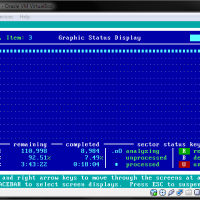
    The once aspect of SpinRite that makes it different from other drive maintenance and data recovery tools is that you are required to boot up your computer using SpinRite to launch the application. SpinRite loads a copy of FreeDOS, detects the disks on your system and then allows you to perform specific scans of the disks.

    Of course, if you need to scan a hard drive, you will usually need to connect it to either the IDE your SATA interface within your computer, which requires you to open up computer, and then connect the hard drive to the correct interface so the FreeDOS operating system can find your hard drive. In order for you to connect the drive to the USB port of you computer requires you to load the USB drivers within FreeDOS in order for the hard drive to be detected.

    The alternative is to use a virtual system created by software such as VirtualBox to automatically setup and use a hard drive that is connected to a USB port. While the scanning may not be quite a fast, it is much easier to simply connect a hard drive to a USB port and then have SpinRite scan the hard drive in a virtual system.

    I outline the steps that you need to follow to run SpinRite in VirtualBox.

    (more…)