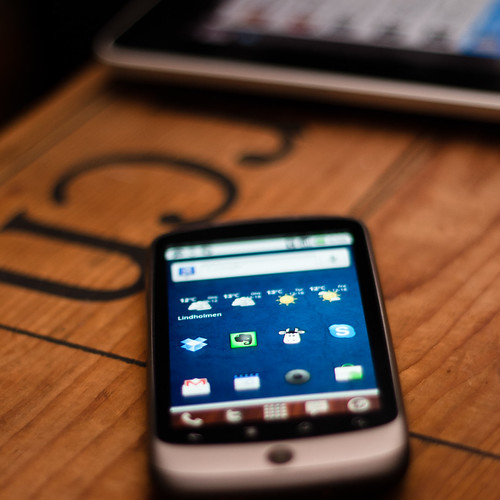
Smartphone apps can offer more than brief periods of entertainment and helpful ways to find parking spots. They can also make you more productive. Check out these mobile apps to make you a more productive person in 2013.
GoToMeeting
Available for: iPhone and Android
Cost: Unlimited use for $468 per year, or choose a customized plan.
The GoToMeeting app lets you host meetings from practically any location. You can use it in your office to connect with colleagues all over the world. Then again, you can also use it to host a meeting while you’re sitting in the back of a cab. GoToMeeting turns your downtime into an opportunity to check up on your business progress and improve your partnerships.
Remember the Milk
Available for: iPhone and Android
Cost: Free basic accounts. Pro accounts for $25 per year.
You can’t stay productive if you don’t stay organized. Remember the Milk makes it easy for you to create lists of all the things you need to accomplish. As you finish tasks, check them off of your to-do list. It sounds simple, but it can take you to new levels of productivity.
AA Task
Available for: Android
Cost: Free
Despite what the name might imply, this Android app doesn’t help you plan for long-term sobriety. Instead, it gives you an easy-to-use calendar that lets you add events, set repeat schedules, sort appointments by priority or time, and even add memos to events on your calendar. When you kno what the next day, week, and month have in store for you, you can plan accordingly to become a superhuman productivity machine.
Dropbox
Available for: iPhone and Android
Cost: Free
With Dropbox, you don’t have to worry about whether you have the files you need for a presentation or working from home. Dropbox makes it simple for you to keep all of your important documents (including videos, photos, and docs) in one handy location that you can access from anywhere. It’s also great for sharing files with your colleagues without destroying your data plan in a matter of minutes.
Quickoffice Pro
Available for: iPhone and Android
Cost: $14.99
Ever find yourself sitting on the train wishing you could start working on an important spreadsheet that your boss wants by the end of the day? With Quickoffice Pro, your HTC Windows phone 8 has the solution you need. This inexpensive applets you make and edit all types of Office documents, including spreadsheets and presentations. It even lets you share and save files through a variety of services, including Dropbox and Google Docs.
Some smartphone apps intentionally distract you from your work. Others make you a more efficient person who gets more work done. That often means you have more free time at the end of the day! What are some of your favorite apps for boosting productivity in 2013?
For software engineer Todd Hawkins, being organized is essential to keep not only his work life running smoothly, but also his personal life.
Image Link for Flickr CC Attribution: http://www.flickr.com/photos/johanl/5056822667/.