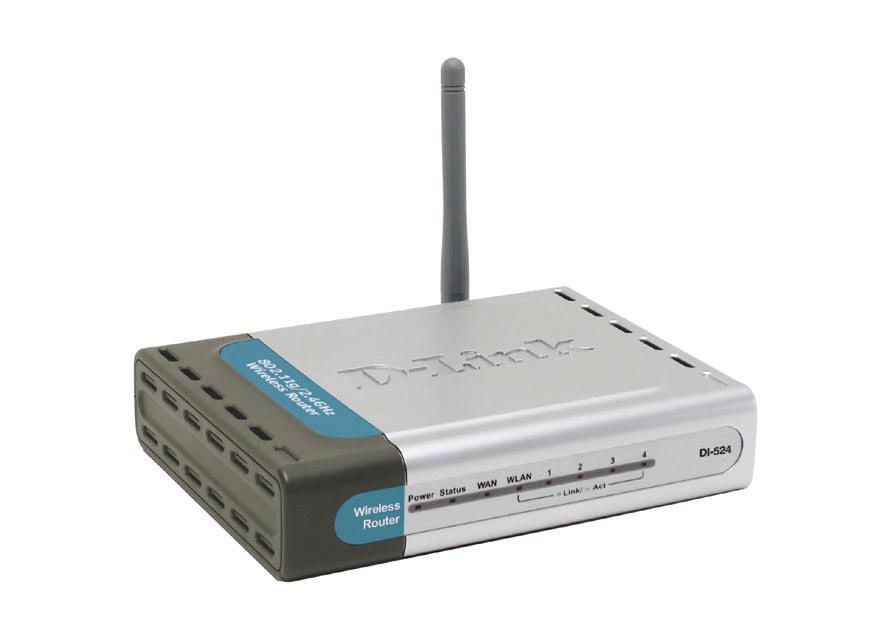
I recently had an issue with one of my tutorial posts that outlines how to secure a D-Link DI-524 wireless G router. The issue was that the steps I provided didn’t exactly match the options that were available on some DI-524 routers. After a few readers reported this issue, I decided I should look into the cause.
After doing some quick research on that particular router, I learned that there are actually three different revisions of that router. This caused the issue because two of the three revisions had different administrative screens that those I outlined in the post. If you would like to find the revision of your router, then read on.
Finding Your DI-524 Revision
As mentioned above, there are three revisions of the DI-524 wireless G router. While not obvious to most that use the router, there are minor differences between the administrative pages between the first two revisions and the final one. To find the revision that you are using, follow these steps:
- Login to your router.
- Click The “Status” tab at the top.
- The “Firmware Version” will indicate the router revision you are using, as this table
shows:Revision Firmware A 1.xx C 3.xx D 4.xx
Small Differences Between Revisions
There are a small number of differences within the administration pages that can cause confusion when outlining steps to changing your router settings. A good example, as mentioned above, is the page where you set your wireless security settings. While the settings are similar between the three revisions, how they settings are actually set are different.
Since I have learned about the three difference revisions, I have since updated my past post on securing the router.