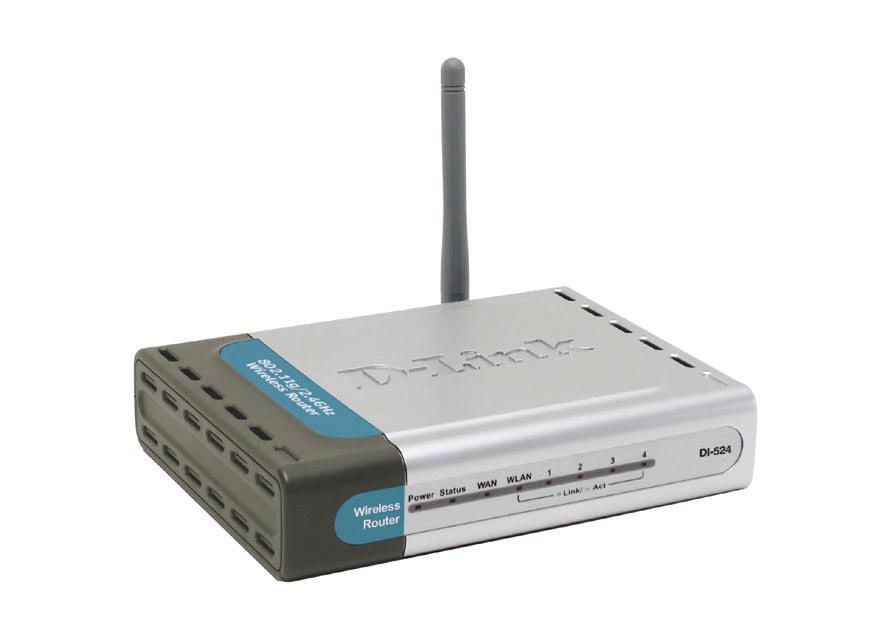
You are currently browsing comments. If you would like to return to the full story, you can read the full entry here: “How to Reset the D-Link DI-524 Wireless Router”.
Related posts:
- How to Reset the D-Link DIR-628 Wireless Router
A few posts ago I wrote a post titled Securing the D-Link DIR-628 Wireless Router. In that post I outlined the steps needed to secure that particular wireless router. Securing... - How to Reset the Linksys WRT54GL Wireless-G Router
The most popular posts on Technically Easy involve wireless routers. The two that seem to generate the most attention are the posts explaining how to reset a particular wireless router.... - How to Reset the Linksys WRT160N Wireless-N Router
Learning to reset the Linksys WRT160N wireless-N router is important if you currently change the settings within the administrative pages. The reason it is important is because one wrong setting... - Securing the D-link DI-524 Wireless Router
I recently created a post titled Securing Linksys WRT54G Wireless-G router in which I provided step-by-step instructions on securing the WRT54G router. The Linksys WRT54G Wireless-G router is a popular... - Securing the D-Link DIR-628 Wireless Router
I have written a few guides about securing a wireless router. All the guides in the past were for 802.11g routers, so the routers have been around for many years,...


I have a similar problem, and the cable company can’t help me! My laptop can’t get on the internet, however my PC can. What am I doing wrong? I am not computer literate, so please have patience, thank you!
Can your laptop connect to the router? If not, try connecting a network cable into the router and laptop and see if you can connect. If you can, then there is an issue with the wireless settings.
I have the same problem… my laptop recognizes the router but has limited connectivity. However, with cable, internet connection is possible. How do I fix this? Thanks.
Here’s the solution to fix a DI-524 that will not stop flashing when you try to reset it.
Thanks to Borge!
http://borgetech.blogspot.com/2007/09/d-link-di-524-revision-b4-status-light.html
why can’t i reset my di-link 524 router..? only the power and 4 are lighting.. what will i do?
Did you solve this as mine is doing the same thing
I have the same problem with my DI 524 connected to local only and unidentified. I don’t have access to the internet and keeps telling me that the connection was reset. I don’t know what to do anymore, the internet
provider refused to help me. Can someone help me pls?
i have a DI 524. I cant seem to get to the settings url on the internet. I cant get the computer to work with this router. It is a loosing battle.
it goes to the circular file and i will purchase a linksys by cisco wireless.
sick of working on stuff that does not work and only to have the manufacture not help either.
telling you that you are on your own.
this router is not worth the trouble.
pay 69 dollars for a new upgraded router.
so i just tossed my DI524 and now my router is working fine.
I need to know whether i can reset the router and connect a new computer as the main hub adding other laptops/game machines to it without the original set up disk ???
I have reset the router, but am still unable to access the admin web interface, so can not make any changes to the settings…can anyone advise?
The files downloaded from above (Kaspars’ link) do not work on my Dl-524
http://rapidshare.com/files/37768292/20060428_524_V204_bin.zip
router says it’s not a .bin file
http://rapidshare.com/files/37768293/DI-524_fw_revb_205b02_ALL_en_070118.rar
Exe states no cgi found & same for v2.07 too.
I updated to firmware v1.23 from Dlinks website & now my router won’t connect- is there a way to remove firmware once it’s installed? ( I reset to factory specs but still nothing.)
Thanks for sharing- we had a similar problem with the cisco router at our office but I think it’s under control now!
Hey thank you v much yaar